
Best WordPress Booking Plugins Compared
Explore practical WordPress booking plugins that streamline appointment scheduling, payments, and staff management tailored to your business size and workflow.


You're answering a call while checking the calendar in your WordPress booking plugin, sending a confirmation email, and copying appointment details into another system. Your customer waits. Then another request arrives, and one missed calendar update creates a double booking.
Most businesses don't have a booking-page problem. They have a scheduling-workflow problem. A WordPress booking plugin should move a visitor from service selection to confirmed appointment with fewer manual handoffs, clear payment and calendar rules, and an owner responsible for maintenance after launch. A solo massage therapist, a startup selling paid discovery calls, and a growing home-services company with several technicians won't need the same setup.
This guide treats a booking plugin as a buying decision, not a form widget. It compares four practical options through the workflow they support, from simple self-scheduling to staff calendars, payments, and ongoing support. It also shows why a low-cost plugin can become expensive when it creates conflicts or missed appointments.
How the WordPress Booking Plugin Shortlist Was Built
A feature count won't tell you whether a booking process fits your business. You need to see how each option handles a customer choosing a service, finding a valid slot, paying, and changing the appointment later.
The shortlist uses a repeatable buying framework. Scan the booking path, test it on staging, and judge maintenance effort alongside daily fit.
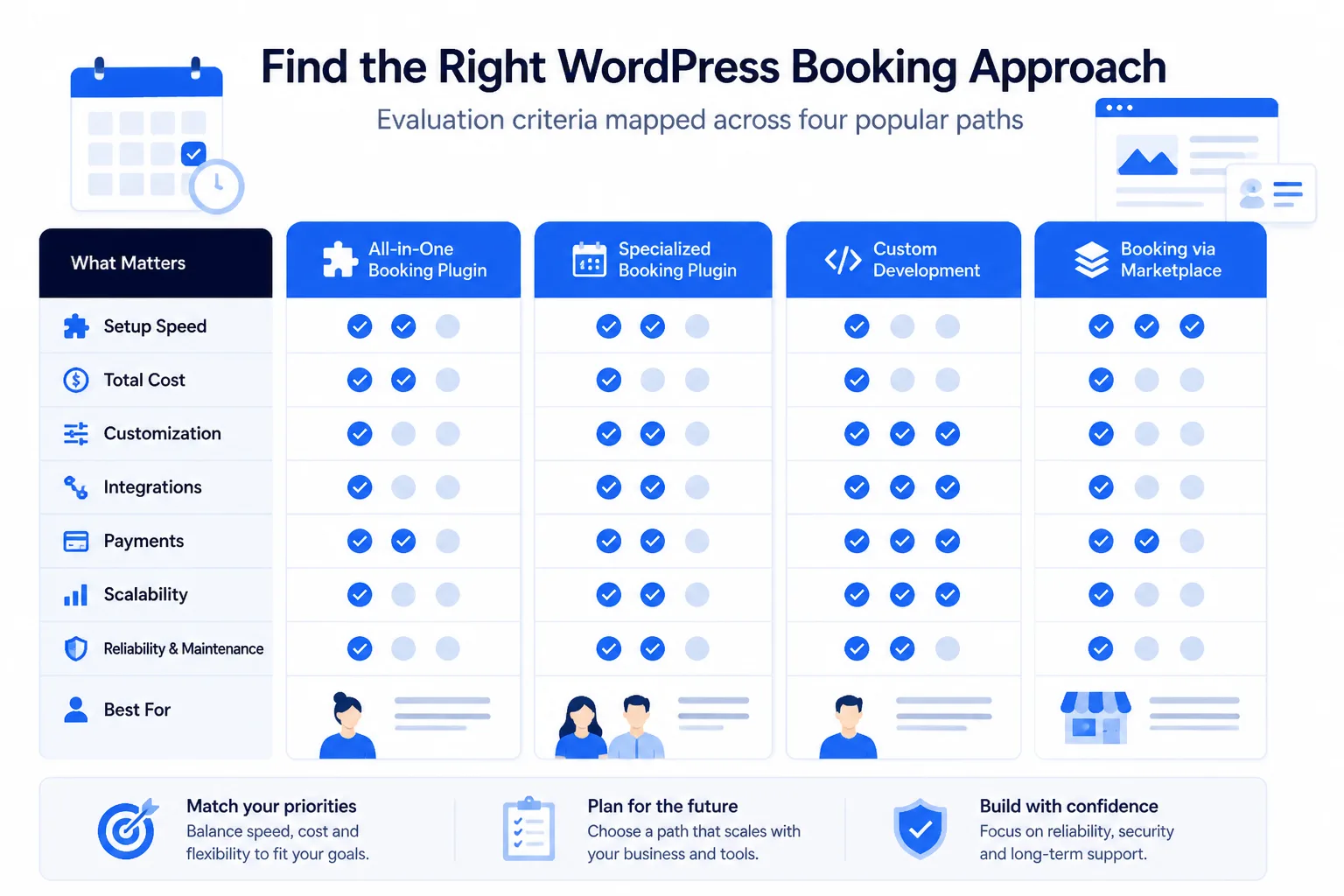
The four booking models represented
BookingPress represents appointment-first scheduling. Amelia suits structured team operations. Simply Schedule Appointments supports lighter meeting workflows. WooCommerce Bookings connects reservations to an existing store and order process.
The criteria applied to every pick
- Booking journey: Check services, availability rules, time zones, buffers, staff calendars, resources, payments, relevant taxes, confirmations, reminders, rescheduling, refunds, and accessibility.
- Business fit: Check integrations, permissions, customer records, and whether your staff can manage the workflow without developer help.
- Maintenance: Check update history, backups, security controls, and front-end performance before relying on screenshots or feature lists.
Security, performance, and maintenance gates
Test each plugin on staging with realistic services and concurrent bookings. A weak test uses “Consultation” with one calendar. A useful test uses three staff calendars, a 60-minute service, a 15-minute buffer, two time zones, and overlapping booking attempts. Verify current license terms because pricing and features change. For the same release discipline, this guide to safe WordPress plugin updates fits the workflow.
Practical rule: Reject any WordPress booking plugin that passes a demo but fails your busiest realistic booking scenario.
BookingPress WordPress Booking Plugin
BookingPress is a strong first test if you need appointments, payments, and several services in WordPress. You can start without assembling a large extension stack.
Its free version advertises unlimited services and PayPal payments, according to BookingPress. You still need to test gateway fit, page weight, notifications, and staff workflows before trusting it with live bookings.
Screenshot: The BookingPress setup should show service selection, staff assignment, available times, customer details, and payment in one realistic journey.
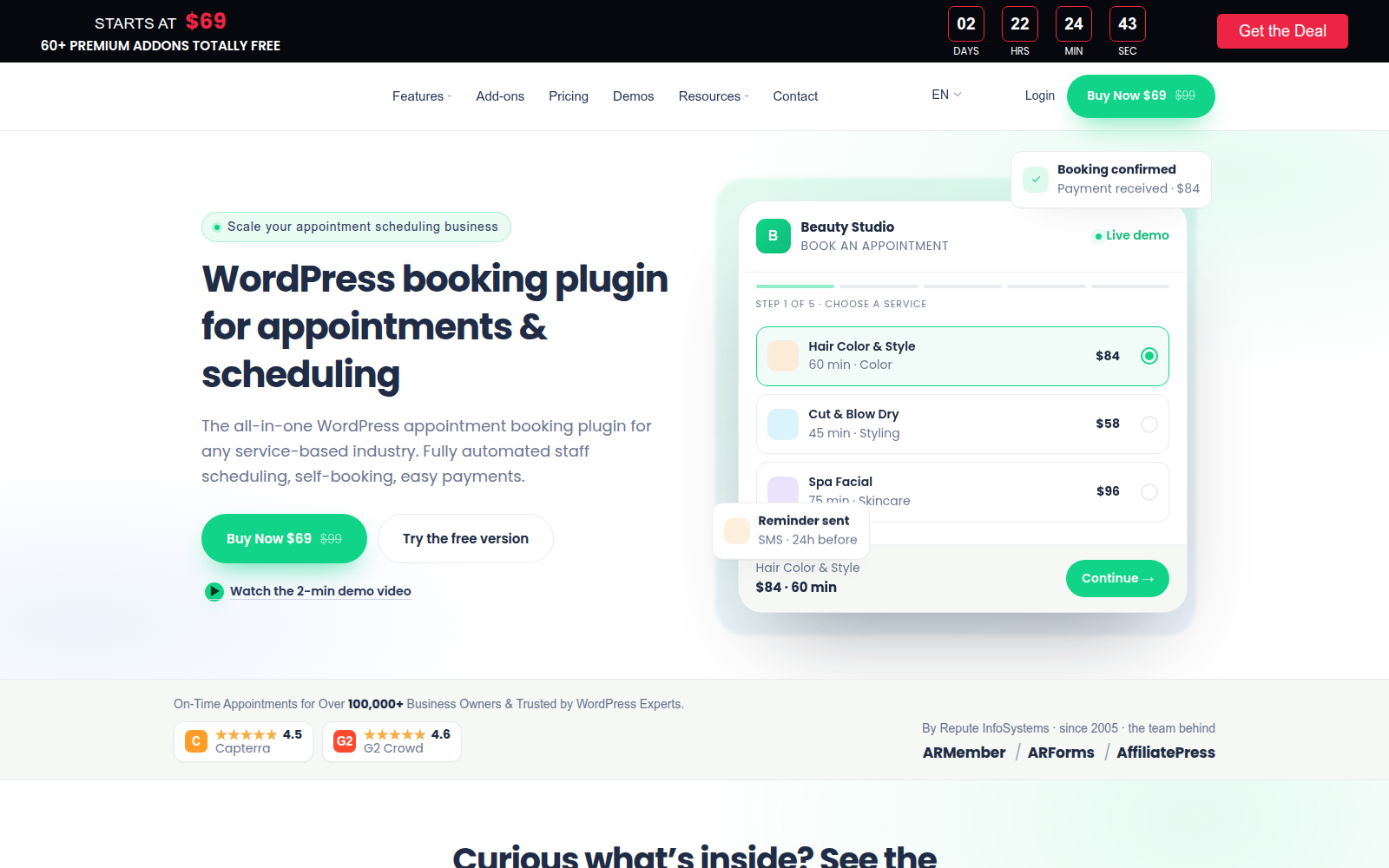
When BookingPress fits appointment businesses
BookingPress may be the best starting point for a solo practice or small service team when its workflow matches the business's needs.
Best use case
Use it for consultations, salons, clinics, tutoring, or repair services where you need multiple services and online payment inside your existing WordPress site.
Best for
- Service variety: You can publish multiple bookable services without building each one separately.
- Small teams: You can test staff calendars now, then check whether permissions and schedules still work as your team grows.
- Simple payments: You can begin with PayPal, but confirm that your preferred US gateway and payout process fit.
Free BookingPress options
Yes, BookingPress offers a free version, but free doesn't mean a zero-cost business operation. You may still pay for hosting, payment processing, premium integrations, support, backups, and maintenance.
Trade-off
Test notification reliability, accessibility, update cadence, backups, plugin conflicts, and page weight on staging. For performance checks, the Core Web Vitals audit checklist for WordPress fits the same workflow.
What works
- Broad starting scope: You get services, appointments, and payments in one initial test.
- Lower setup burden: You avoid immediately combining several extensions.
What fails
- Gateway assumptions: You may need another payment option for your US customers.
- Growth certainty: You can't assume the staff workflow will suit a larger operation.
Use it if: you can complete your busiest realistic booking journey on staging without conflicts or missing payment steps.
Amelia
Amelia suits businesses managing several staff calendars, locations, services, reminders, and payments. It makes sense when a basic booking form has become a full appointment operation.
You get a structured way to organize customer-facing booking steps, employee availability, service categories, and reporting. A useful Amelia screenshot should show the calendar, service setup, staff assignments, and booking flow together, so you can judge whether your team will understand the system after launch.

Best use case
Amelia fits a clinic, salon, agency, or training business where you need clear ownership of calendars and exceptions. A weak setup assigns every service to “Admin” with no break rules. A stronger setup assigns “Consultation” to Dr. Lee, adds a 15-minute buffer, and routes reminders to the assigned location. Test rescheduling, missed reminders, and payment handoffs with real staff calendars, not only a polished demo.
Best for
- Growing teams: You can structure employees, services, locations, and separate availability.
- Managed appointment journeys: You get more control over reminders, payments, customer details, and reporting.
- Operational oversight: You can examine whether bookings, exceptions, and staff responsibilities remain understandable.
What works
- Structured workflows: You can model a broader appointment operation than a single shared calendar.
- Feature breadth: You can bring scheduling, customer communications, payments, and reporting into one WordPress workflow.
What fails
- Setup complexity: You may need training before your team can maintain calendars and exceptions consistently.
- Performance testing: You must test page weight, extensions, and payment connections on staging.
Trade-off
Configuration depth helps only when you can maintain it. Unclear ownership can still cause double bookings or missed reminders, even when Amelia includes the required feature. Verify current license details, then run a staged pilot with representative services and real staff calendars.
Use Amelia if you need a structured scheduling operation and your team will maintain it consistently.
Simply Schedule Appointments
Simply Schedule Appointments suits businesses that need a reliable booking page without building a full scheduling operation. It provides defined meeting types, calendar connections, notifications, time zones, buffers, and payment options in a narrower workflow.
That makes it practical for consultants, coaches, agencies, and small teams. You can train staff quickly, then publish a discovery call or paid consultation without configuring marketplace behavior. Its smaller interface reduces setup choices, but you must confirm that its current integrations and plan support your workflow.
Screenshot focus: show separate booking cards for “Discovery Call” and “Project Review,” each with its own duration, buffer, and availability.
Best use case
Use it when your startup is validating demand for paid consultations, or your agency needs only discovery-call and project-review appointments.
Best for
- Defined meetings: You offer a few clear appointment types.
- Small teams: You want less training and faster publishing.
- Simple operations: You can explain booking rules in a few sentences.
What works
- Control: You can review calendar, notification, time-zone, buffer, payment, and accessibility settings.
- Performance: You avoid loading a broad feature set you won't use.
What fails
- Growth limits: Advanced resources, complex durations, layered rules, and many staff members may outgrow the model.
- Maintenance: You still need staging tests after updates and integration changes.
Choose the lighter tool if your booking logic stays simple. Reassess before exceptions become normal.
WooCommerce Bookings
If your customer is buying a rental, class, or paid experience, a standalone appointment form may split the booking from the order. Availability, payment, capacity, refunds, and customer records should follow the same purchase.
WooCommerce Bookings fits that model better. For a free consultation, however, its commerce layer may add checkout, tax, payment, plugin, and maintenance work you don't need.
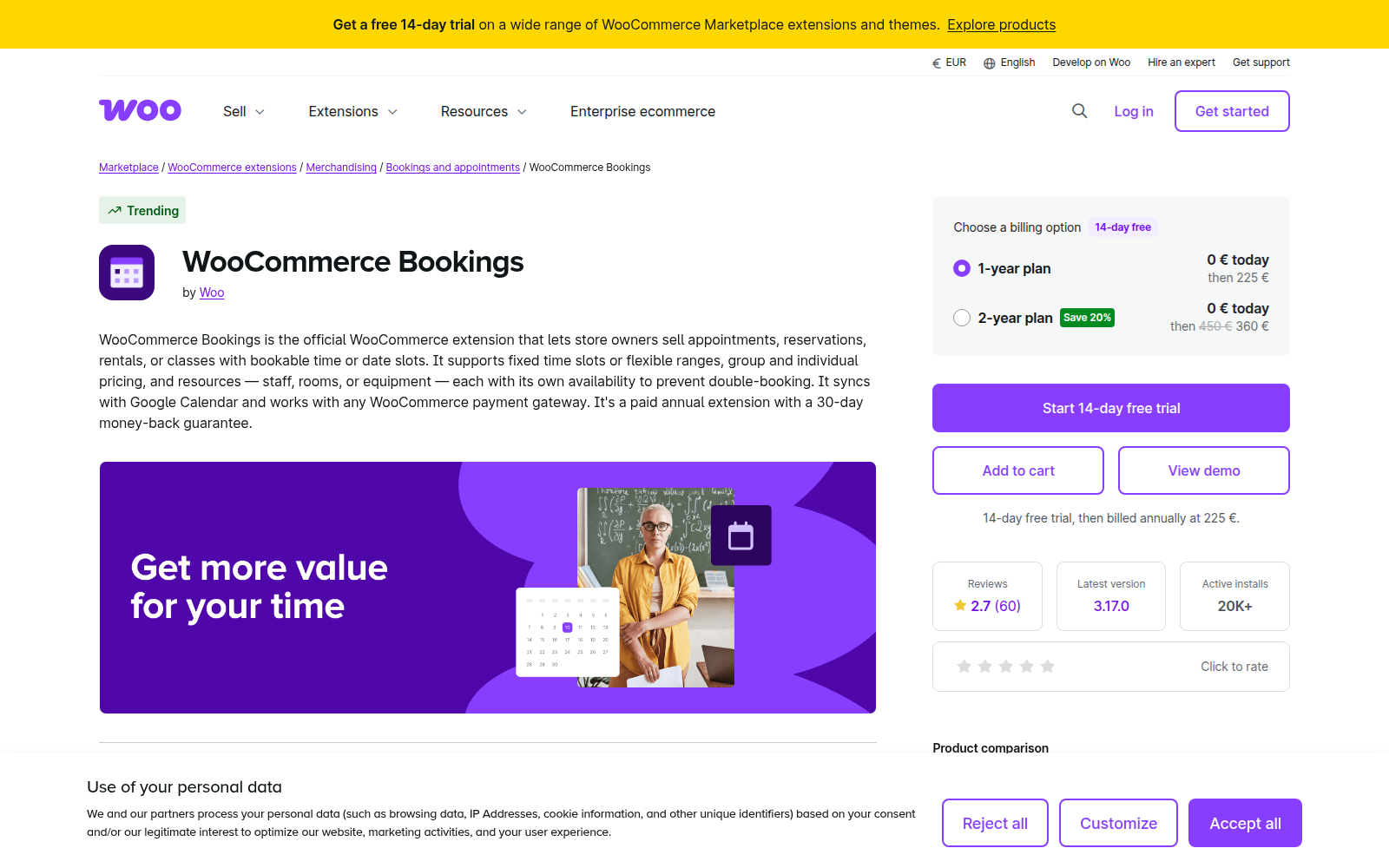
What WooCommerce Bookings does
WooCommerce Bookings connects bookable availability with your store's product and checkout workflow, subject to your product settings and installed extensions. You can sell a photography session as a product, reserve class seats, or rent equipment with date rules.
Best use case
Use it when the booking must become a WooCommerce order. Product variations, capacity, order status, coupons, customer accounts, cancellations, and refunds can then support the same customer journey you already manage in your store.
Best for
- Paid experiences: Sell workshops, tours, lessons, or photography sessions through familiar checkout.
- Capacity-led bookings: Limit class seats or inventory as customers reserve a time.
- Date-based rentals: Apply availability rules to cameras, venues, tools, or other equipment.
What works
- Commerce integration: Booking and payment share one order record.
- Store controls: Coupons, accounts, refunds, and status changes fit existing workflows.
What fails
- Added complexity: A simple consultation may not justify full checkout.
- Testing burden: Payment, calendar, extensions, and themes must work together.
Trade-off
The real limitation is surface area. Test performance, taxes, failed payments, cancellations, refunds, and availability on staging. Use it if a booking genuinely belongs inside your WooCommerce order workflow, then test successful payment, failed payment, cancellation, refund, and calendar availability before launch.
What the Four Booking Options Reveal Side by Side
You're not choosing a feature list. You're choosing how availability, payments, staff work, and maintenance will operate inside your store.
A lower price can still create costs through plugin conflicts, slow checkout, staff training, accessibility fixes, backups, support, or future development. The right choice depends on your booking model, not a universal winner.
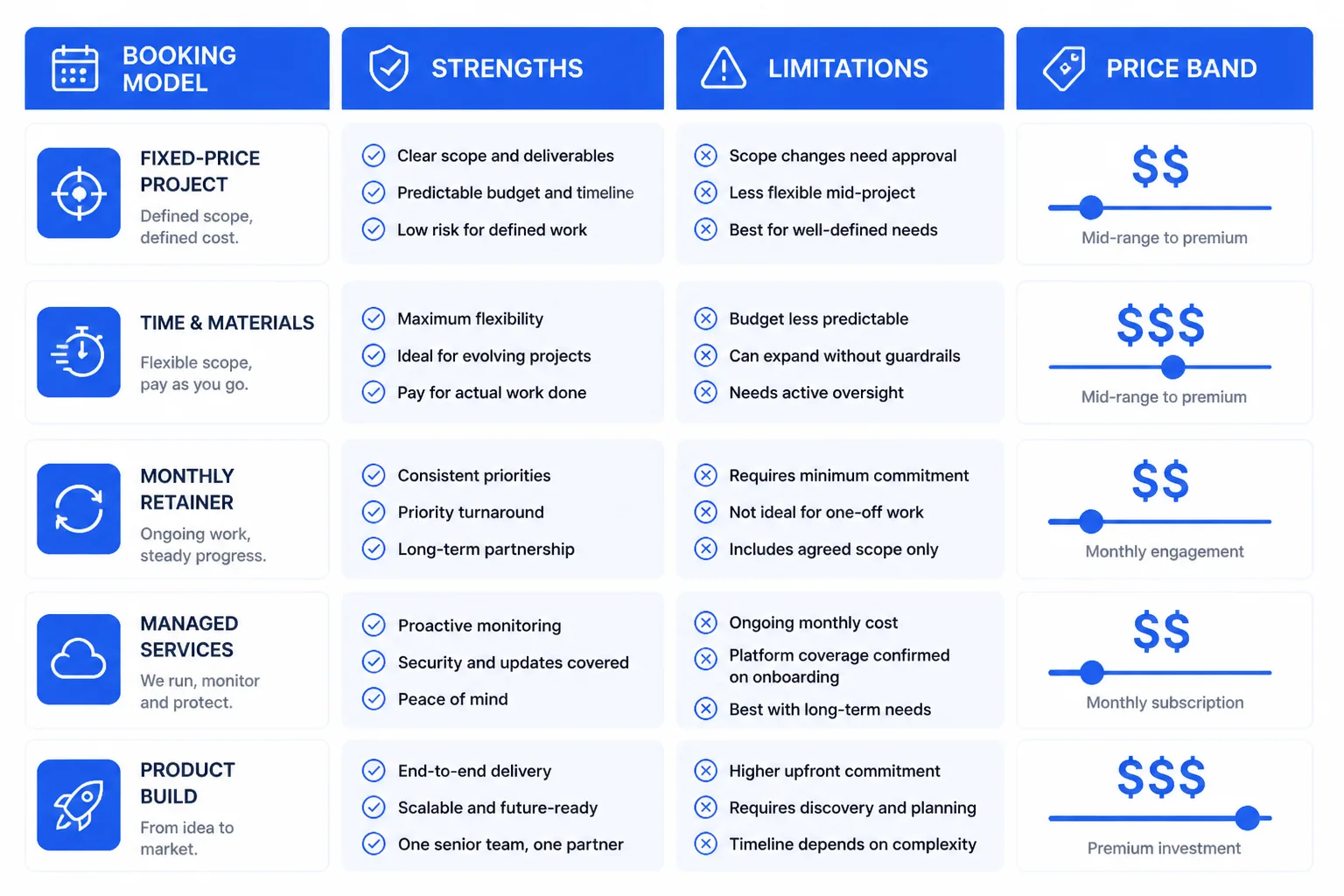
The comparison table
| tool | best for | strength | limitation | price band |
|---|---|---|---|---|
| BookingPress | Service businesses starting with appointment scheduling | Appointment-first workflow with a free entry point | Needs validation as staff, integrations, and rules expand | Free entry; paid options may apply |
| Amelia | Structured operations with multiple staff or locations | Broader scheduling model for organized appointment teams | More configuration and training may be required | Paid plans; verify current terms |
| Simply Schedule Appointments | Consultants, coaches, agencies, and simple meeting types | Lighter setup for defined meeting workflows | May not suit advanced resources or complex operational rules | Free or paid tiers; verify current terms |
| WooCommerce Bookings | Paid bookings connected to products and orders | Connects booking logic with WooCommerce commerce workflows | Adds checkout, commerce, and maintenance complexity | Paid extension plus store costs |
What the table does not decide
The best software for booking appointments is the option that handles your real availability, payment, notification, and maintenance rules with the least avoidable complexity. The table screens your options. You still need a staging test using your theme, payment gateway, calendars, and accessibility checks.
When custom development becomes the safer choice
Custom development becomes safer when your booking rules affect pricing, eligibility, resources, dispatch, or several connected systems. A freelancer, in-house team, or ShieldThemes can build that workflow, though custom work costs more upfront and requires ongoing maintenance.
Six Questions to Resolve Before You Install Anything
Before choosing a WordPress booking plugin, resolve questions about ownership, maintenance, learning time, and risk. These decisions shape your booking system long after installation.
Building your own WordPress plugin
You can build a custom plugin when your workflow, integrations, permissions, or data model is genuinely unique. For standard appointments, a maintained plugin is usually faster and safer. ShieldThemes can build that custom layer, though custom code costs more upfront and needs ongoing maintenance.
Whether WordPress is still worth using in 2026
WordPress is still worth using in 2026 when you invest in quality hosting, updates, security, and performance work. Its ecosystem gives you flexibility without forcing one vendor's limits. Your booking site still needs controlled changes and regular testing, not just an initial installation.
What is replacing WordPress
No single platform is replacing WordPress for every project. Hosted builders, commerce platforms, headless stacks, and custom applications suit different needs. Your choice should follow your booking rules, content needs, integrations, and internal skills rather than platform fashion.
How long it takes to learn WordPress
You can learn basic publishing in three days, but production-grade booking operations take longer. You still need to understand user roles, backups, updates, payment settings, accessibility, and troubleshooting before accepting reservations. A staging site lets you learn without risking live customer bookings.
What a WordPress developer's salary depends on
A WordPress developer's salary varies by location, specialization, experience, and employment model. Freelance, agency, in-house, and contract roles differ substantially. For your booking project, compare the developer's maintenance plan, security practice, and relevant integrations, not salary alone.
Why you should avoid nulled WordPress plugins
You shouldn't download or use a nulled plugin on a booking site. Choose licensed software, keep backups, test controlled updates on staging, and arrange professional support when your site handles revenue or customer data. This guide to WordPress backup and restore fits the same maintenance workflow.
Start with One Booking Journey, Then Earn the Complexity
Your next move isn't another feature comparison. Build one booking page that removes the most manual work, then run a controlled test before expanding the system.
Start small enough to measure. Let the evidence decide when to add staff scheduling, payments, automation, or custom software.
1. Map one service
Choose the service that currently creates the most calls, messages, or calendar copying. Write down its rules before choosing a WordPress booking plugin.
- Service: You name one real appointment, class, rental, or consultation.
- Availability: You record duration, working hours, buffers, blackout dates, and capacity.
- Policy: You define cancellation terms and whether payment is required at booking.
2. Test the complete customer journey
Match your workflow to an appointment-first, team scheduling, lightweight meeting, or commerce-connected model. Then test the full journey on staging, including failed payments, reminders, time zones, rescheduling, refunds, and mobile use.
3. Secure and measure the launch
Measure page speed, accessibility, booking conflicts, error logs, and checkout or database impact. Launch only after you have backups, licensed software, least-privilege access, controlled updates, security monitoring, and a named maintenance owner.
4. Decide whether custom development is justified
- Start: You publish the single booking page that removes the most manual work today.
- Match: You select the simplest booking model that follows your written rules.
- Test: You run every customer path on staging before accepting live bookings.
- Measure: You record conflicts, speed, accessibility, errors, and transaction effects.
- Expand: You request custom development only when evidence shows the plugin cannot support your workflow.
If you want a faster way to connect your booking page, theme, ordering workflow, or custom software, ShieldThemes shares practical development guidance and supports startups and growing businesses with hosting, security, performance, SEO, and ongoing maintenance.