
Core Web Vitals Audit Checklist for WordPress
Discover how to connect real-user data with targeted fixes to improve your WordPress site's Core Web Vitals without unnecessary redesigns or plugins.

You open your store on a phone and wait for the hero image to appear. Then you tap the menu, but it shifts under your thumb. On a product page, the first click feels ignored. Use this core web vitals audit checklist to find out whether the cause is an image, plugin, script, or template instead of guessing at a redesign.
Most WordPress teams don’t have a Core Web Vitals problem. They have a prioritization problem. You may run a PageSpeed Insights audit, see warnings, and still lack a clear order for fixing them. A Smashing Magazine audit examined LCP, FID, and CLS together, while current audits should use INP instead of FID.
You need more than a score list. You need a practical sequence that connects field and lab evidence to your templates and business journeys, then applies one controlled fix. That protects checkout reliability without assuming every warning needs a redesign or new plugin. ShieldThemes can maintain your themes, hosting, security, and performance, although careful diagnosis often solves more than added software. A guide to reading a WordPress Core Web Vitals report fits the same workflow.
How the WordPress Core Web Vitals Checklist Prioritizes Work
A slow hero image, ignored tap, or shifting product layout creates a business problem before it creates a metric. You should connect real-user evidence and controlled tests to the failing template, customer journey, and safest practical fix.
Start with evidence, then move to action. Measure field and lab performance, identify whether LCP, INP, or CLS is failing, and choose an intervention that improves a real journey without opening a broad theme rebuild too early.
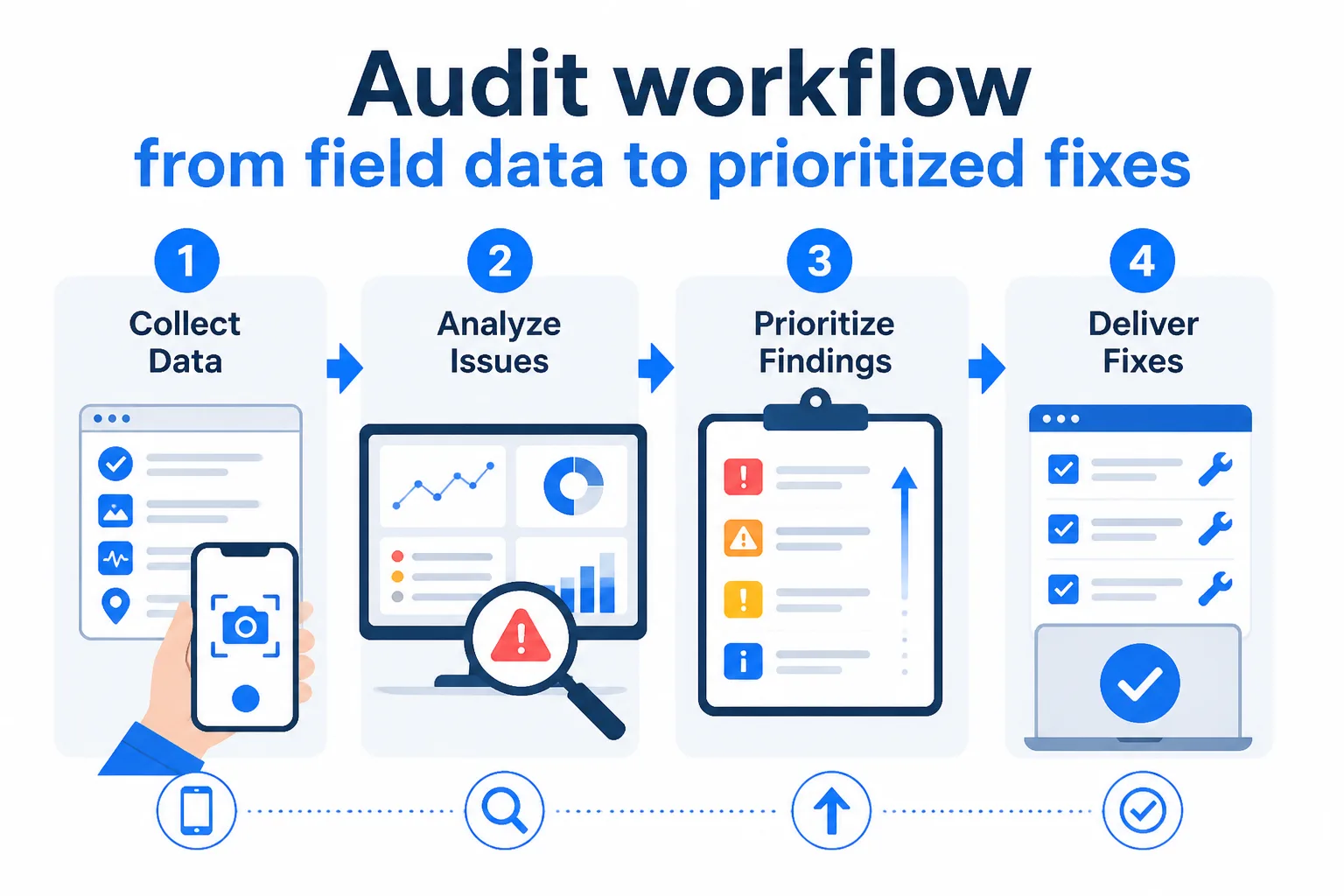
Start with field data
Start with what your visitors experience, then use lab tests to reproduce and explain it. For each finding, record the affected journey, representative URL, device conditions, evidence source, likely owner, and rollback plan. You can then show your senior team exactly why a fix deserves attention.
Four criteria for prioritization
Rank every issue against four filters. User impact asks whether the problem blocks discovery, interaction, or purchase. Implementation difficulty shows whether the fix belongs in configuration, a template, hosting, or custom development. Reproducibility separates a repeatable defect from a one-off test result. Business risk protects checkout, analytics, and revenue from careless changes.
- User impact: Mark the customer journey and template affected.
- Implementation difficulty: Name the smallest credible intervention.
- Reproducibility: Save the test conditions and repeat the result.
- Business risk: Define validation and rollback before release.
What the checklist rules out
LCP, INP, and CLS describe different failure modes, so don't collapse them into one PageSpeed Insights score. A warning isn't automatically a priority, and a cosmetic tweak may matter less than a template query or hosting delay affecting your product page. Before you ship a change, check whether it improves the journey that matters to your customers.
Practical rule: Fix the reproducible issue that harms a valuable journey most, not the warning with the easiest screenshot.
Apply that filter to your WordPress and ecommerce fixes, starting with lower-risk changes before deeper template or hosting work. Keep a clear owner, validation step, and rollback plan for each release.
1. Establish a Baseline With Field and Lab Data
Separate field data from lab data before deciding what a slow page means. Field data shows how real visitors experience your pages over time, while lab runs provide controlled conditions for debugging.
Use Chrome User Experience Report data and Google Search Console to spot patterns across your site. Use PageSpeed Insights for a repeatable page check, then confirm suspected causes with controlled Lighthouse runs. Test representative homepage, landing, blog, product, category, cart, and checkout URLs, not just your homepage.

What to record before testing
Give every result enough context for another team member to repeat and assign it. Record:
- URL type: Identify the homepage, product template, checkout, or another page type.
- Device and connection: Record mobile or desktop and the selected network condition.
- Metric and evidence: Note LCP, INP, or CLS, its status, and the affected element or interaction.
- Source and date: Mark field or lab data, name the tool, and record the test date.
- Suspected owner: Assign the issue to a template, plugin, hosting layer, or third-party script.
When this baseline helps
A baseline turns a failing report into an actionable ticket. Map each result to a template, user journey, and owner before anyone changes code.
Teams that benefit
- Small teams: Repeatable records prevent one person’s test from becoming the whole diagnosis.
- Ecommerce teams: Separate browsing, cart, and checkout performance from content pages.
- Release planning: Compare field trends with controlled tests before approving a fix.
The trade-off is time. You won't get a useful baseline from one quick scan, but a structured sample prevents wasted development work.
Use it if every failing result can reach a specific template, journey, and ticket.
2. Triage LCP, INP, and CLS by Impact Before Effort
Use the baseline to rank issues by the journey they damage, how consistently you can reproduce them, and how safely you can fix them.
Your product page, checkout, and lead-generation landing page usually deserve priority over a low-traffic blog template when the evidence supports that choice. The best first fix combines high user impact with low implementation risk.
Find the failing journey
Assign every issue to a template and journey. Record the affected page, reproducibility, implementation estimate, and business risk before creating a ticket.
Map each metric to its likely cause
- LCP: Identify the largest visible element, such as a hero image, banner, or product gallery, delaying rendering.
- INP: Find the long task or event handler delaying a tap, filter, menu, cart update, or form submission.
- CLS: Locate the late resource or missing dimensions shifting product media, promotional bars, fonts, or checkout fields.
- Priority: Rank high-impact, low-risk work first, then assign deeper engineering to high-impact changes with greater risk.
When this model helps
Use this model when several templates fail for different reasons. A product interaction may outrank a technically worse blog issue if it affects revenue or lead capture.
Teams that benefit
- Product pages: Protect add-to-cart interactions, image loading, and variant selection.
- Checkout: Treat payment, cart, and tracking stability as business risks.
- Landing pages: Prioritize form visibility and responsive interaction over cosmetic refinements.
A technically elegant fix isn't automatically the right first move. Replacing a stable theme or restructuring checkout may create more risk than deferring a lower-impact defect.
Ticket example: Product template, INP, variant selector tap delayed by a script. Owner: front-end developer. Retest when the interaction responds reliably on the sampled device and checkout tracking remains intact.
Use it if every failing metric has a journey, cause, owner, risk note, and retest condition.
3. Apply the Lowest-Risk WordPress and Ecommerce Fixes
Your WordPress site may need a faster hero image, fewer scripts, or reserved space for changing content. Make the smallest safe fix first, rather than risking a redesign that breaks checkout or tracking.
Work on staging, change one material thing, keep a rollback path, and retest representative templates before release. That turns a Core Web Vitals audit into controlled implementation.
How to fix Core Web Vitals
Address the visible bottleneck first, then verify the user journey. For LCP, resize and compress the above-the-fold image, use responsive images, review server response and caching, and preload only the true priority asset.
For INP, inspect theme JavaScript, plugin conflicts, analytics, chat, personalization, faceted navigation, cart fragments, and checkout scripts before removing useful functions. For CLS, reserve dimensions for images, banners, ads, embeds, consent interfaces, and injected components.
- LCP: Confirm the hero loads from the correct responsive source without unnecessary lazy loading.
- INP: Confirm menus, filters, variant selectors, cart actions, and checkout respond after each script change.
- CLS: Confirm product cards, fonts, banners, and ad slots retain their space during loading.
Before: A homepage hero loads a 2,400-pixel image through a slider plugin. After: The hero uses a compressed responsive image, cached delivery, and no unnecessary slider script.
When this path helps
Use this path when your startup needs a narrow fix or your growing store must protect catalog, analytics, and checkout behavior. Avoid stacking optimization plugins blindly, since overlapping minification, delay, lazy-loading, and cache settings can create regressions. ShieldThemes can coordinate theme, hosting, DevOps, and ongoing maintenance, although an in-house developer may handle a contained image fix.
Teams that benefit
- Startups: Ship one low-risk improvement on the main landing page.
- Growing stores: Regression-test product, category, cart, and checkout templates.
- Maintenance teams: Retest in the lab, then monitor field performance after release.
Use it if you can name the affected template, rollback step, owner, and post-release check.
Compare the Audit Priorities at a Glance
When every performance issue looks urgent, decide what deserves a ticket first by balancing evidence quality, debugging speed, and the risk of changing a revenue-critical page.
Use the stages together. Real visitor signals should guide controlled testing, while implementation work confirms the result.
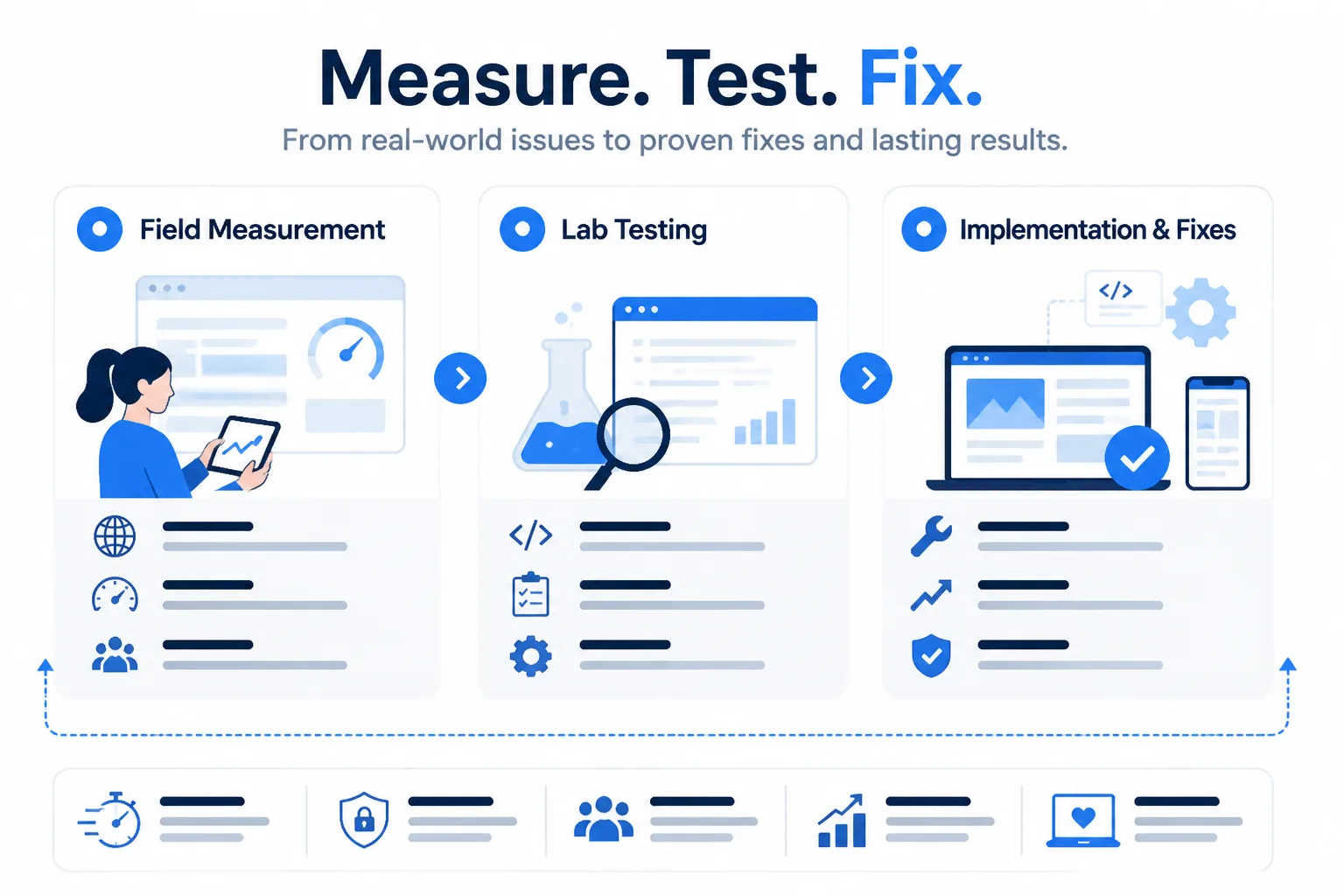
The audit stages compared
| option | best for | strength | limitation | cost |
|---|---|---|---|---|
| Field data | Understanding real visitor experience across production templates and devices | Reflects actual users, journeys, and production conditions | Changes slowly and may not identify the exact resource or task to fix | Low to medium operational effort |
| Lab testing | Reproducing and debugging a specific page under controlled conditions | Fast feedback with inspectable resources, timings, and interactions | May miss production traffic patterns, devices, and third-party behavior | Low tool cost; medium analysis effort |
| Implementation and verification | Improving a confirmed issue on a revenue-critical template | Can deliver the greatest user and business impact | Can introduce theme, checkout, tracking, or layout regressions | Medium to high engineering effort |
What the table reveals
Field data tells you where users struggle, while lab testing helps isolate why. Implementation and verification offer the biggest potential improvement, but they also demand careful testing across your WordPress or ecommerce templates.
Choose the first ticket from the overlap: a confirmed field issue, a reproducible lab cause, and a safe implementation path. Reliable priorities come from using all three stages.
Choose the Next Move for Your WordPress Site Situation
Your next action depends on the evidence you have, the page at risk, and the people available to fix it. You don't need another tool when your team lacks representative URLs, and you don't need a theme rewrite when one script or asset causes the problem.
Choose the situation that best matches your site, then turn the recommended move into one owned ticket. That keeps your budget focused and your rollback path clear.
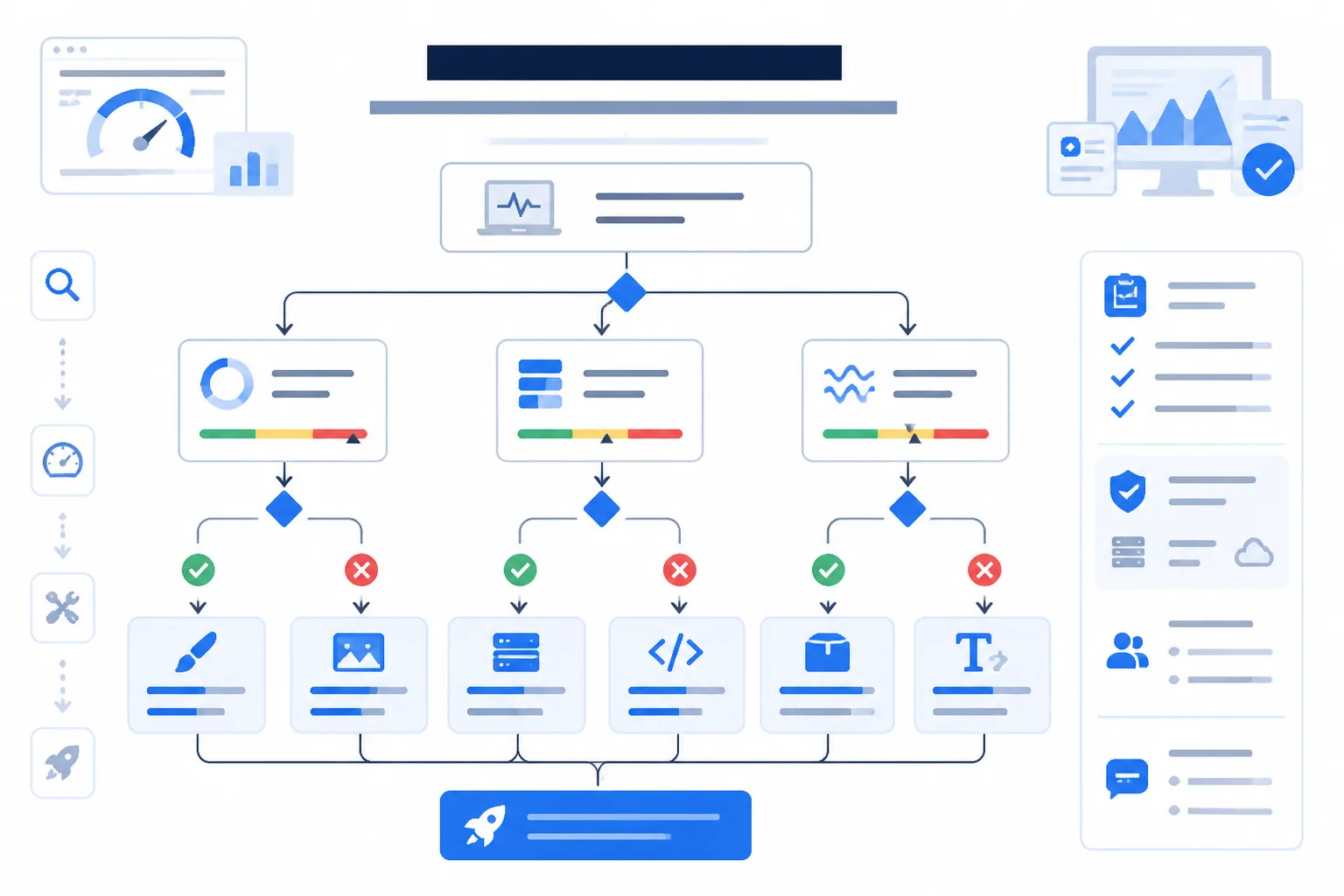
Situation and better move
| situation | better move |
|---|---|
| No representative field data is available | Define key journeys and URLs, then establish field and repeatable lab baselines before changing code |
| A WooCommerce product page fails while browsing remains stable | Inspect the product template, primary media, variants, reviews, recommendations, and related scripts before changing the whole theme |
| Checkout interactions are unstable or slow | Audit checkout events, cart fragments, payment scripts, and third parties in staging before applying optimization rules |
| Ads, images, or banners create visible layout shifts | Reserve dimensions and review dynamic insertion order on the affected template |
| A small team lacks a dedicated performance engineer | Choose one revenue-critical page, assign one owner, make one reversible fix, and use a scoped ShieldThemes engagement if deeper work is needed |
Decision points
- Protect revenue first: If your product page or checkout fails, fix that journey before broad homepage work.
- Limit the ticket: If one plugin, image, or script is responsible, don't fund a full theme rewrite.
- Keep the change reversible: If you lack specialist support, assign one owner and document the rollback before deployment.
When to involve ShieldThemes
If you can't isolate the cause, ShieldThemes can scope an audit and maintenance plan rather than propose an open-ended rebuild. You still need to provide representative pages and business priorities, and a scoped engagement won't replace staging access or internal approval.
FAQ
How to fix a slow LCP
Start with the largest above-the-fold element, often a hero image, heading, or banner. Compress and correctly size the image, preload only the resource needed for the first view, and reduce server response time. Remove scripts that block rendering, then retest the same page with field data and a controlled lab run.
How to fix a high INP
Find the interaction that takes longest to respond, such as opening a menu, filtering products, or submitting a form. Reduce the JavaScript running during that interaction, split large tasks into smaller work, and remove unused third-party scripts. Check the result on a real device, because a fast desktop test can hide a slow mobile experience.
How to fix layout shifts
Reserve space for images, embeds, ads, and dynamic sections before they load. Add explicit width and height values, keep banners from appearing above existing content, and avoid injecting content near the point of interaction. Review fonts as well, since a late font swap can move text and buttons after the page first appears.
Start the Fix With One Representative Page
A site-wide performance scramble can create more risk than progress. Choose one accountable page, one baseline, and one controlled change before touching wider templates or integrations.
The seven-step action plan
- Choose the page: Select your highest-traffic product, landing, or checkout page.
- Capture baselines: Record field and lab results for that page.
- Log the failure: Name the failing metric and affected element or interaction.
- Rank the issue: Weigh user impact against implementation difficulty.
- Apply one fix: Change one image, script, layout rule, or setting at a time.
- Retest the journey: Check loading, interaction, layout, and business functionality.
- Monitor before scaling: Watch field results before applying the change elsewhere.
Keep the first ticket narrow
When you maintain WordPress, WooCommerce, Shopify, custom software, hosting, or several integrations, a focused audit gives you safer evidence. ShieldThemes can coordinate theme, store, software, hosting, DevOps, security, and maintenance work, but your first ticket still needs a precise target.
- Page: One revenue-critical URL is named.
- Owner: One person records results and approves the change.
- Ticket: The first baseline exists before work begins.
If you want help coordinating performance work, ShieldThemes builds and maintains WordPress themes, Shopify stores, custom software, hosting, and AI agents for startups and growing businesses. You can also find practical planning guidance in these WordPress and digital development guides.