Best SEO WordPress Themes for Your Site
Discover how top SEO WordPress themes provide a lightweight, customizable foundation that supports your SEO plugin and improves site performance and flexibility.


If you're comparing the best SEO WordPress themes, start with the foundation beneath your content. A template may add unnecessary markup, load assets your pages never use, or make headings and content structure harder to control.
Most WordPress site owners don't have a metadata problem. They have a theme-output problem. Your SEO plugin can manage metadata and XML sitemaps, but your theme still shapes the HTML, asset loading, layout structure, and plugin compatibility.
This comparison looks at GeneratePress, Kadence, and Blocksy for semantic HTML, loading behaviour, clear schema responsibilities, and practical flexibility. It also shows where ShieldThemes can help with customization, technical SEO, performance work, maintenance, or a custom WordPress build.
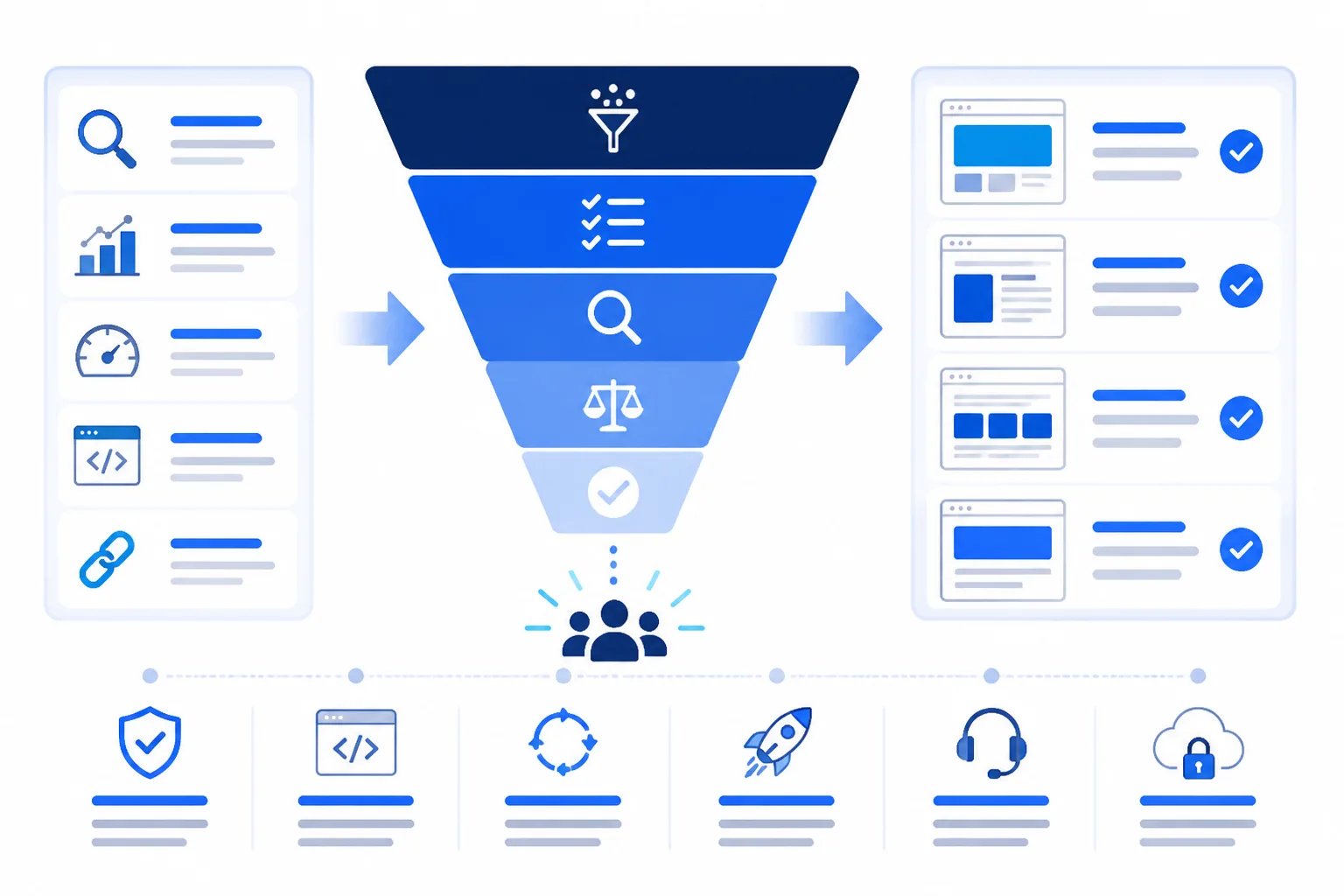
How these SEO-friendly WordPress themes were shortlisted
A theme can support SEO without owning every SEO task. The first tests are straightforward: fast loading, clean semantic HTML, and limited conflicts with schema or metadata output.
You still need an SEO plugin for titles, descriptions, canonical controls, and XML sitemaps. The theme should support that work rather than duplicate it, so this shortlist uses the same practical checks for every candidate.
The evidence used to define SEO support
GeneratePress, Kadence, and Blocksy appear here because they were named in the available search guidance, not because inclusion proves superiority. You can also use a Core Web Vitals audit checklist to test how your chosen foundation behaves on real pages.
What the shortlist excludes
This shortlist leaves out themes chosen mainly for marketing claims, unrelated forum or restaurant use cases, or WHMCS-specific products. Those signals don't show whether a WordPress site supports maintainable SEO, secure updates, or future design changes.
The five criteria applied to every pick
Judge each theme against the same checklist before a startup launch or a growing-business redesign:
- SEO responsibility: Your plugin controls metadata and sitemaps while the theme avoids duplication.
- Performance support: Your pages load only the assets and layout features they need.
- Markup cleanliness: Your HTML remains semantic and predictable for search engines.
- Customization fit: Your team can change the design without rebuilding the site.
- Trade-offs: You can identify costs in flexibility, maintenance, or complexity.
Practical rule: Choose the foundation you can test, maintain, and customize without making your SEO plugin repeat the theme's work.
GeneratePress for a lightweight, performance-led foundation
GeneratePress suits a site where page weight, clean code, and Core Web Vitals matter more than a large visual catalogue.
Its restrained foundation gives you control over templates, assets, navigation, and content structure. Startups, service businesses, and growing companies can build a clear site without carrying design systems that individual pages don't use.
GeneratePress supports SEO work, but it doesn't replace it. Your SEO plugin still manages metadata and sitemaps, while you need to test the homepage, mobile layout, content templates, and third-party integrations.
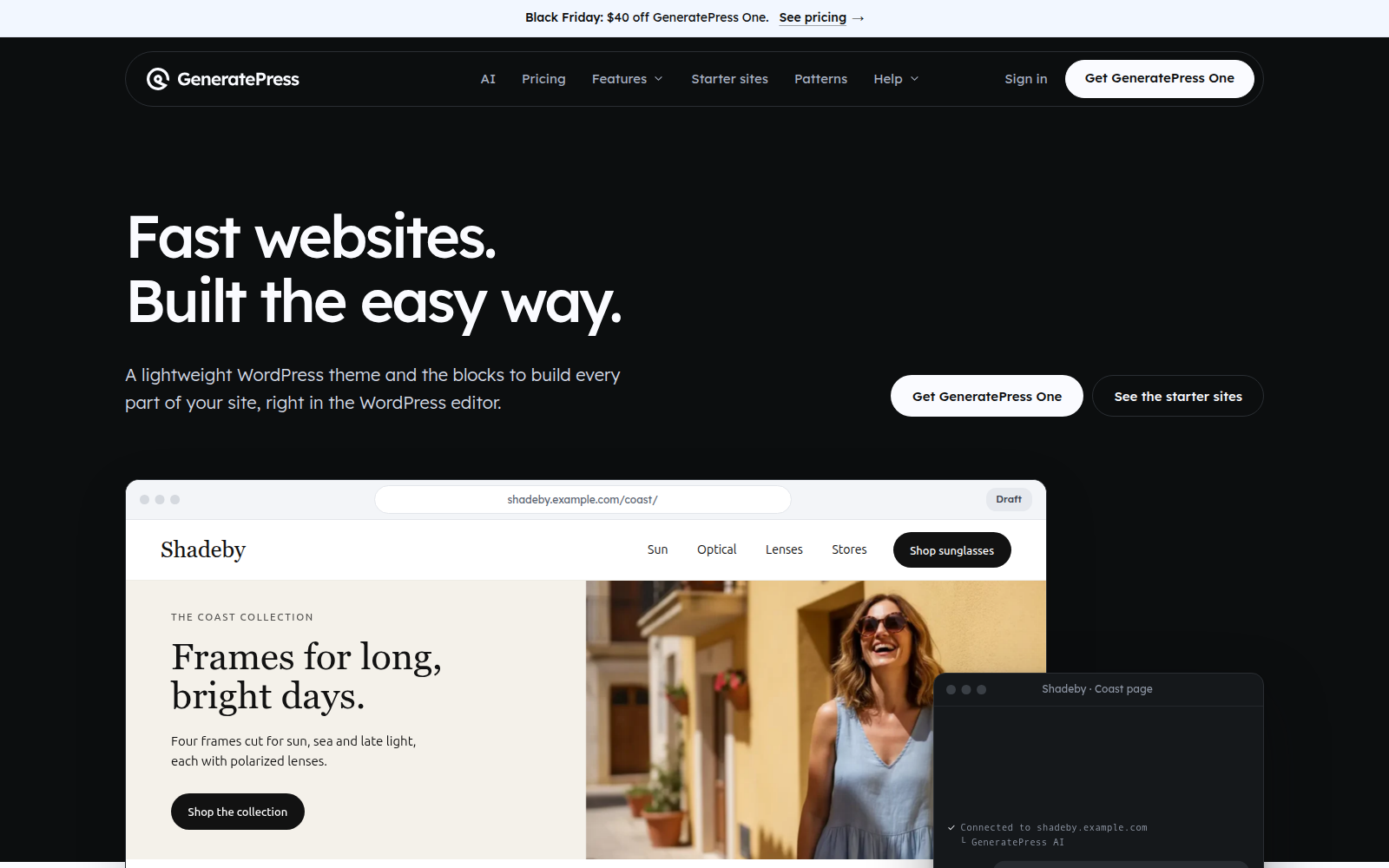
Screenshot: A GeneratePress site with a focused homepage, simple navigation, and only the content sections your business needs.
Best use case
Choose GeneratePress for a speed-focused site you expect to maintain for years. Review your WordPress Core Web Vitals report alongside real page templates, not just a demo page.
Best for
- Startups: You need a lean site that can ship quickly and change cleanly.
- Service businesses: You want readable pages, controlled templates, and straightforward navigation.
- Growing companies: You prefer maintainability over dozens of decorative layout options.
What works
- Lightweight base: Fewer unnecessary visual systems help you control page weight.
- Clean structure: Predictable markup makes templates easier to inspect and improve.
- Customizable foundation: ShieldThemes can tailor it, improve technical SEO, and maintain it securely.
What fails
- Not a ranking strategy: Speed alone won't create useful content or authority.
- Plugin dependency: You still need a capable SEO plugin for metadata and sitemaps.
The trade-off to weigh
You may need more deliberate design work than you would with a catalogue-heavy theme. ShieldThemes can customize the foundation, but GeneratePress won't provide every visual feature out of the box.
Use it when you need a lean foundation
Choose GeneratePress when speed and maintainability matter more than visual variety.
Kadence for flexible sites that still need clean structure
Kadence suits a site that needs branded headers, footers, templates, and landing pages without making the build harder to manage.
Kadence was named by the supplied AI Overview, but that isn't proof of universal superiority. Judge it by its semantic output, loading behaviour, and the separation between theme structure, schema, and metadata.

Best use case
Test a representative service page, product guide, and mobile view. You can also compare structured data with the guide to Rich Results Test and Schema Validator as part of the same technical SEO workflow.
Best for
- Growing service brands: You get broader control over branded layouts and reusable templates.
- Startups: You can shape a polished presentation without rebuilding every page.
- Content-led commerce: You can support guides, category pages, and promotional sections beside product content.
What works
- Flexible structure: You can keep templates organized while adapting presentation.
- Clear responsibility: Your SEO plugin can handle metadata and schema separately.
What fails
- Design creep: You may add styling layers, animations, or plugins that increase maintenance.
- Demo assumptions: Your pages may load differently from the polished template preview.
The trade-off to weigh
Kadence gives you room to build, but flexibility can add page weight and technical debt. Test your actual templates rather than relying on the demo.
Use it when your site needs room to grow
Choose Kadence when you need control with discipline. ShieldThemes can adapt it to your business system, then support performance, security, hosting, and ongoing maintenance.
Blocksy for modern layouts without abandoning SEO fundamentals
Blocksy suits brands that want polished landing pages, responsive layouts, and conversion-focused design without turning the site into a heavy visual showcase.
Judge its output, not its controls. Visual settings don't create XML sitemaps, trustworthy title tags, semantic HTML, or a clear schema setup. Test a real landing page on mobile and desktop before committing.
Best use case
Blocksy fits a growing business that needs contemporary layouts and enough control to match a strong brand system. Its value depends on disciplined templates, limited effects, and careful asset loading.
What works
- Modern presentation: You can build polished pages for campaigns, services, and product launches.
- Layout control: You get room to shape headers, content areas, and conversion paths.
- Growth fit: You can adapt the design as your offer and site structure expand.
What fails
- Page weight: You may add effects, controls, or add-ons that slow real pages.
- Technical overlap: You must prevent duplicated schema, metadata, and optimization features.
- Demo bias: Your site may perform differently from the polished theme preview.
Best for
- Brand-led businesses: You need visual distinction across landing pages.
- Conversion teams: You want flexible layouts for focused campaigns.
- Growing sites: You expect your content structure to change.
The trade-off to weigh
Blocksy gives you presentation power, but that power needs restraint. ShieldThemes can preserve your visual direction while handling technical SEO, optimization, security, and maintenance. Custom work still requires testing after every major change.
Use it when presentation and structure must coexist
Choose Blocksy if you'll test a real landing page on mobile and desktop, limit unnecessary features, and keep SEO responsibilities separate from the theme.
Three WordPress themes compared by responsibility
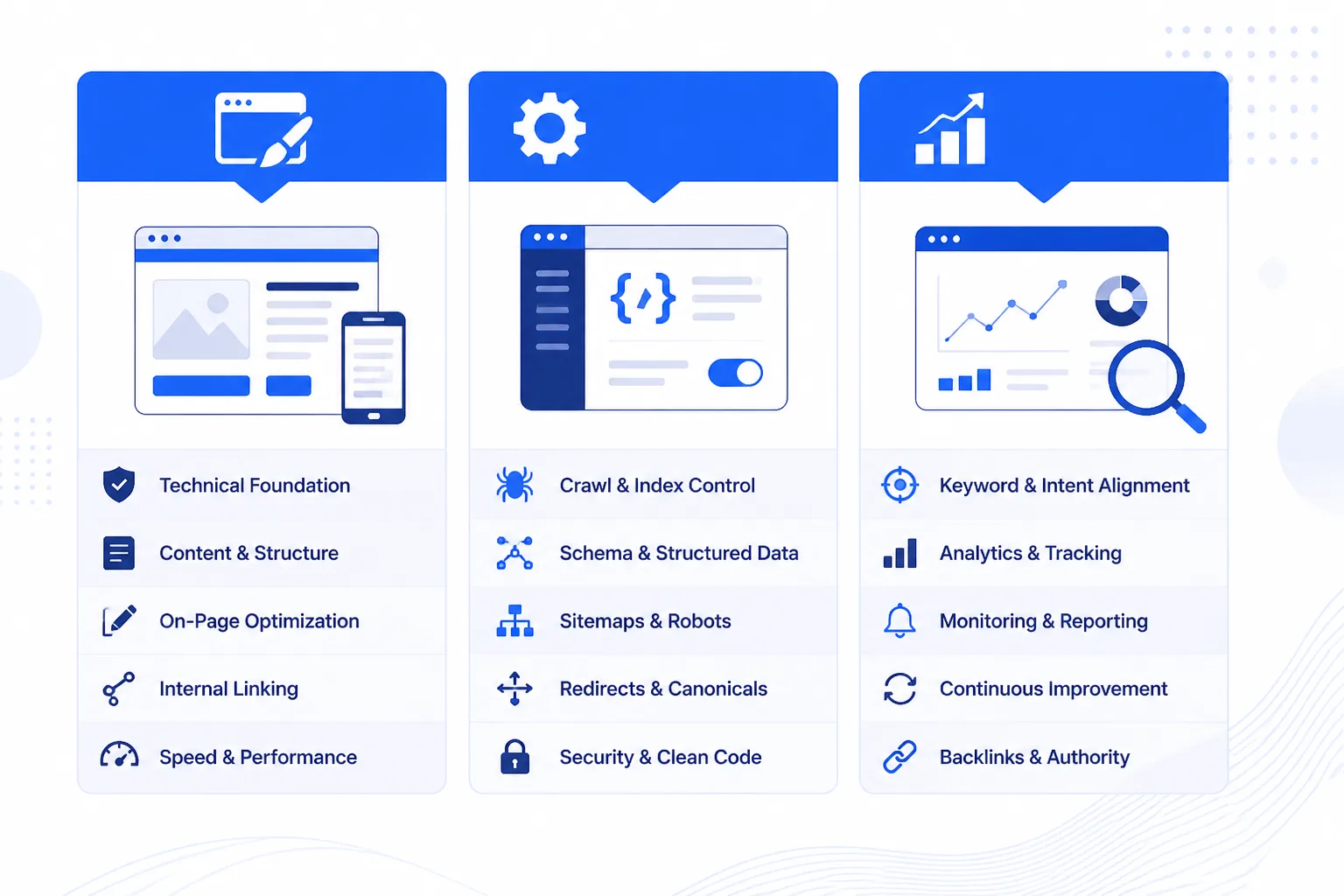
Your theme affects the HTML, asset loading, templates, and layout controls you work with every day. You still need a separate SEO tool for search metadata and sitemap management.
Use the comparison below to match your site's main constraint rather than looking for a theme that claims to handle every SEO task.
Comparison table
| tool | best for | strength | limitation | price band |
|---|---|---|---|---|
| GeneratePress | Lean business sites and performance-led builds | Lightweight foundation and clean, restrained output | May require more deliberate design work and does not replace an SEO plugin | Free core; paid upgrades available |
| Kadence | Growing businesses needing flexible layouts | Broad customization for headers, footers, templates, and branding | Extra design options and add-ons can increase complexity and page weight | Free core; paid upgrades available |
| Blocksy | Modern, configurable business presentations | Contemporary controls for polished layouts and landing pages | Visual flexibility still requires careful performance and markup governance | Free core; paid upgrades available |
What the comparison reveals about theme-level SEO
All three themes can support clean SEO output, but none replaces an SEO plugin. You need that separate tool for metadata, canonical settings, and XML sitemaps.
Weak version: You install a theme and leave title, canonical, and sitemap settings at conflicting defaults. Strong version: You assign one SEO plugin to those tasks, test its canonical output, and submit its sitemap through your search platform.
Choose GeneratePress for restraint, Kadence for broader control, or Blocksy for configurable presentation. ShieldThemes can help you test, customize, optimize, host, secure, and maintain the chosen build, although ongoing add-ons still need review.
Choose the WordPress theme that matches your site's constraint
Choose the theme that solves your biggest constraint, not the one with the longest feature list. Your shortlist will change depending on whether speed, branding control, or presentation leads the decision. A site such as mywebsite.com still needs a tested theme foundation and clear plugin responsibilities before launch.
Neve is another option. 10Web describes it as a lightweight, mobile-first choice for small businesses and startups, but you should still test your chosen template before launch.
| situation | better move |
|---|---|
| A startup needs lean output and a maintainable launch site | Start with GeneratePress and test a representative landing page |
| A growing business needs broader template and branding control | Evaluate Kadence while monitoring assets, plugins, and layout complexity |
| A brand prioritizes modern presentation and configurable landing pages | Evaluate Blocksy with mobile performance and markup checks |
| A small business wants a lightweight, mobile-first alternative | Consider Neve, which 10Web describes as suited to small businesses and startups |
| A theme has many industry demos but unclear technical output | Test the actual template before choosing it; demo volume is not SEO evidence |
When Core Web Vitals is the first constraint
Choose GeneratePress when you want lean output, quick loading, and simpler maintenance. Test a real landing page, not only the theme's demo.
When a growing business needs flexible layouts
Choose Kadence when your site needs varied templates, stronger branding controls, and room for changing content. Monitor added plugins and layout complexity.
When a multipurpose WordPress theme is tempting
A broad demo library may provide ideas, but demo volume doesn't prove cleaner markup or fewer assets. Check the actual templates before committing.
When you need custom development beyond a theme
Choose Blocksy when presentation and landing-page flexibility matter most, then test mobile weight and markup. ShieldThemes can build custom themes, migrate, optimize, host, and maintain your site, although custom work costs more than adapting an off-the-shelf theme.
Related WordPress and web platform theme searches
Theme searches often cross platform boundaries, especially when you’re comparing WordPress with forums, restaurant sites, or hosting portals. Check each theme against its platform’s templates, extensions, performance needs, and ongoing maintenance before you commit.
Best phpBB dark themes for readable forums
The best phpBB dark themes preserve readable contrast, responsive forum layouts, and extension compatibility. Test navigation, quoted posts, forms, and moderation screens before choosing a style. A dark forum theme says nothing about WordPress SEO output. ShieldThemes can create custom integration when you need one brand across WordPress, Shopify, software, and customer portals.
Finding free restaurant themes for WordPress
You can find free restaurant themes for WordPress through reputable theme directories, but judge more than the menu demo. Check menu markup, reservation compatibility, location details, gallery performance, and support for your SEO tools. Free doesn't automatically mean safer or faster. ShieldThemes can build custom integration when your restaurant needs one consistent brand across WordPress, Shopify, software, and customer portals.
Choosing free WHMCS themes
The free WHMCS themes worth using are maintained for hosting, billing, client-area, and support workflows. Verify template compatibility, update access, responsive account screens, and payment-page behaviour. WHMCS themes serve hosting businesses rather than ordinary WordPress sites, so their maintenance model differs. ShieldThemes can create custom integration when you need one brand across WordPress, Shopify, software, and customer portals.
A five-step theme decision you can start with one page
You can spend days comparing demos and still choose a theme that slows your site, limits your editors, or complicates maintenance. Your real constraint matters more than a universal winner.
Start with one representative page. The right theme is the one that preserves clean, fast output for the site you actually operate.
-
Define the constraint
Write it down: Choose speed, flexibility, visual control, maintenance, or a combination as your first decision filter.
-
Match the candidate
Choose the fit: Select the theme that addresses your constraint instead of chasing the longest feature list.
-
Test one representative page
Build one page: Test a homepage or landing page on realistic mobile and desktop conditions, checking layout stability, loading behaviour, semantic structure, and integrations.
-
Confirm plugin responsibilities
Draw the boundary: Confirm your SEO plugin handles metadata, canonical management, and sitemap generation rather than assigning those tasks to the theme.
-
Commit only after review
Get approval: Ask the people who publish, maintain, secure, and optimize your site to review the test before you apply the theme everywhere.
- Page tested: One realistic page works on mobile and desktop.
- Roles confirmed: Your theme and SEO plugin each have clear responsibilities.
- Team reviewed: Your publishing and maintenance needs are accepted.
Your first page is the proof. A theme that performs there earns the right to shape the rest of your site.
If you want help with the process, ShieldThemes tests and customizes WordPress themes, handles technical SEO, and provides secure hosting, DevOps, and ongoing maintenance for startups and growing businesses. Explore the ShieldThemes blog for practical guidance on theme decisions, performance, and site operations.