Rich Results Test vs. Schema Validator
Discover how the Rich Results Test and Schema Markup Validator serve different roles in diagnosing product structured data issues and improving search features.


You inspect a product page before launch and find the price, availability, reviews, and offers exactly where they belong. One testing tool reports success, yet Google still omits the product enhancement you expected in search. That is the problem behind the Rich results test vs schema validator question: is the markup wrong, or is the search result limited?
Most businesses don't have a structured data syntax problem. They have a validation-purpose problem. These tools aren't competing options. They answer different questions about the same product data.
This comparison explains what each tool checks, why their results can differ, and how to use both before changing a WordPress theme, Shopify template, or custom product integration. Once those checks are complete, ShieldThemes can help trace an implementation fault across your store or application. No development partner can promise that Google will show a particular search appearance.
Judge Each Tool by the Failure It Can Explain
You need a diagnosis before editing product markup. A missing offer property, invalid nesting, unsupported product feature, and incomplete test input can look similar in search results, but each points to a different fix.
Judge the validation process by the decision it supports. Your team should know whether to repair the Schema.org graph, confirm a Google requirement, change the submitted markup, or investigate a search feature limit. For background on the underlying standards, see this guide to Schema.org markup.
Vocabulary and syntax coverage across product markup
Start by checking whether the validation method understands the vocabulary and relationships your product uses. Inspect the nesting between Product, Offer, Review, and other connected entities, then decide whether the graph itself is structurally sound.
- Vocabulary: Confirm that the product types and properties you use are recognised.
- Syntax: Check JSON-LD structure, property names, values, and entity nesting.
- Debugging action: Repair malformed or disconnected markup before investigating search appearance.
Google eligibility and search appearance signals
Next, determine whether the check tests eligibility for a Google search feature. A valid Schema.org graph isn't automatically eligible for a Google search feature, so a clean graph can't promise product enhancements in search.
The comparison evidence states: “A valid Schema.org graph is not automatically eligible for a Google search feature.”
Warnings, required properties, and implementation evidence
Product debugging also depends on useful warnings, required properties, and input options. Confirm which fields are missing, submit markup that reflects the live page, and identify whether the result supports a code edit or a review of Google’s feature requirements.
- Warnings: Separate blocking requirements from recommendations that may improve coverage.
- Input options: Test rendered page content or pasted markup when you need to isolate a template change.
- Action: Edit markup when the data is wrong, or investigate support limits when the data is valid.
The practical rule for choosing the next debugging step
Broad vocabulary validation and Google eligibility testing answer different questions. Google eligibility testing doesn't replace broad Schema.org vocabulary validation, just as a complete graph review doesn't confirm every Google search feature.
Practical rule: Use graph validation to find structural faults, then use Google eligibility testing to judge product search-feature support.
Google Rich Results Test Measures Search Feature Eligibility
A product page can have readable markup without qualifying for a Google search enhancement. The Rich Results Test answers the narrower question by examining supported product data such as price, availability, offers, and reviews.
For your live store, a pass means the tested markup appears eligible for the supported Google feature. It doesn't promise rankings, display, or a complete review of every Schema.org relationship.
What Google checks in product structured data
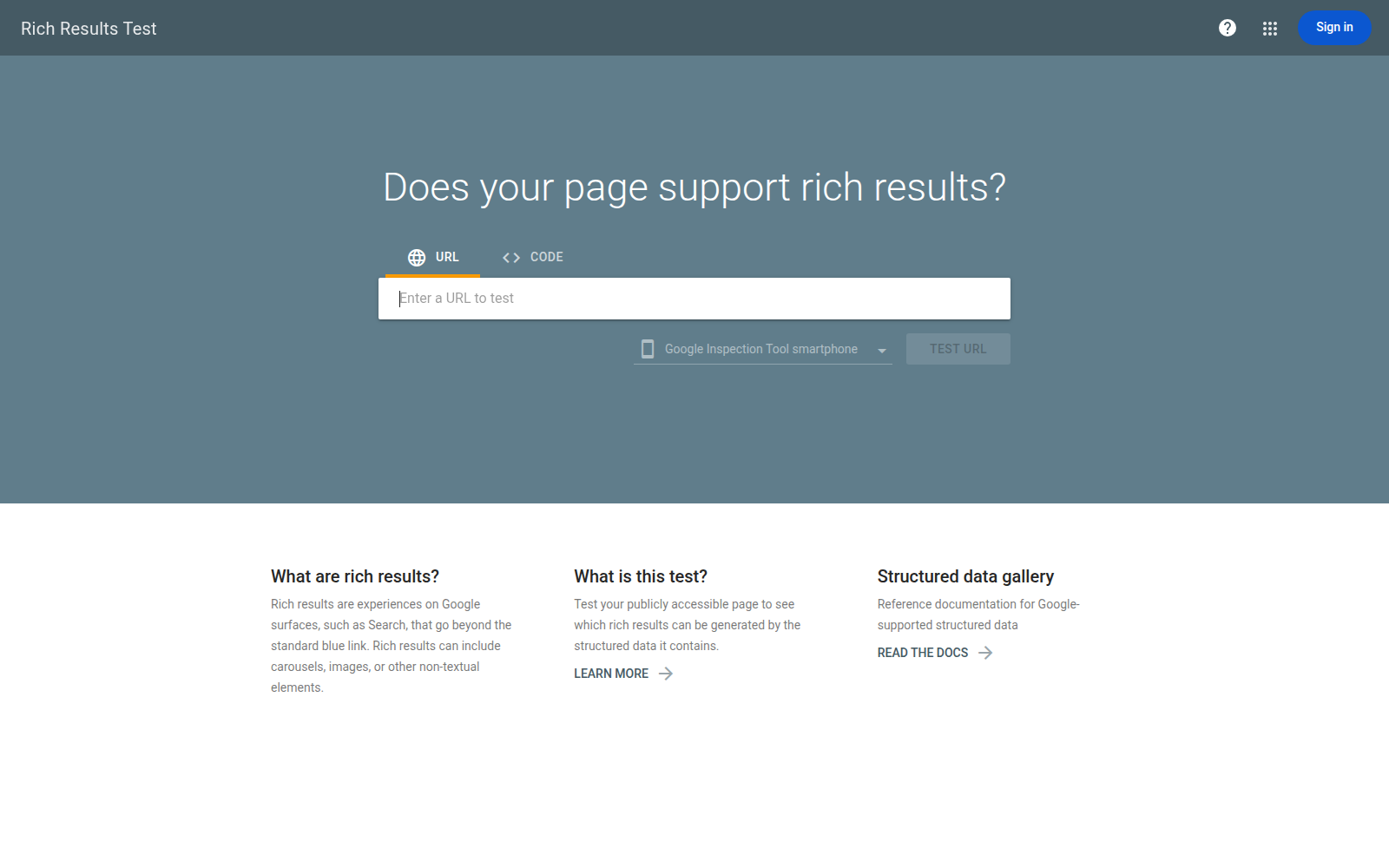
When you test a product URL, Google checks properties used for eligible search enhancements. For example, a page for “Northstar Ceramic Travel Mug” may contain an offer with a price of $24.99, availability set to InStock, and review information. The test can show which product requirements are met and which produce warnings.
Where the Rich Results Test gives actionable evidence
You get the clearest evidence when your goal is a Google product result. A clean report helps confirm whether the price, availability, reviews, and offer data appear in a form Google supports for that enhancement.
What works
- Search eligibility: You can assess whether supported product markup may qualify for a Google rich result.
- Product fields: You can inspect important search-facing data, including price, availability, offers, and reviews.
- Live-page testing: You can test the rendered product URL rather than relying only on a template or pasted snippet.
What fails
- Complete vocabulary coverage: You won't receive a full validation of the entire Schema.org vocabulary.
- Graph assurance: A pass doesn't prove that every type, property, or relationship in your broader graph is valid.
- Display certainty: You can't treat a passing result as a ranking guarantee or a promise that Google will show the enhancement.
When a valid page still fails the Google-focused test
Your markup may be structurally sound yet use a type or property Google doesn't support for the product feature you want. In that case, the result identifies a search-eligibility gap, not necessarily broken Schema.org syntax.
What this tool is genuinely bad at
The Rich Results Test is poor at proving that your full structured-data graph works as a complete model. Use a broader validator when you need that answer, then return here to judge what Google may use in search.
Schema Markup Validator Checks the Full Schema.org Graph
Your product graph can be readable to search engines yet still contain a misplaced property or invalid relationship. Schema Markup Validator helps you inspect that broader structure, including Schema.org markup that Google may not use for a rich result.
You get a vocabulary and syntax check, not a forecast of search display. That boundary matters when you maintain product data across WordPress, Shopify, or custom software.
What the validator sees in a product graph
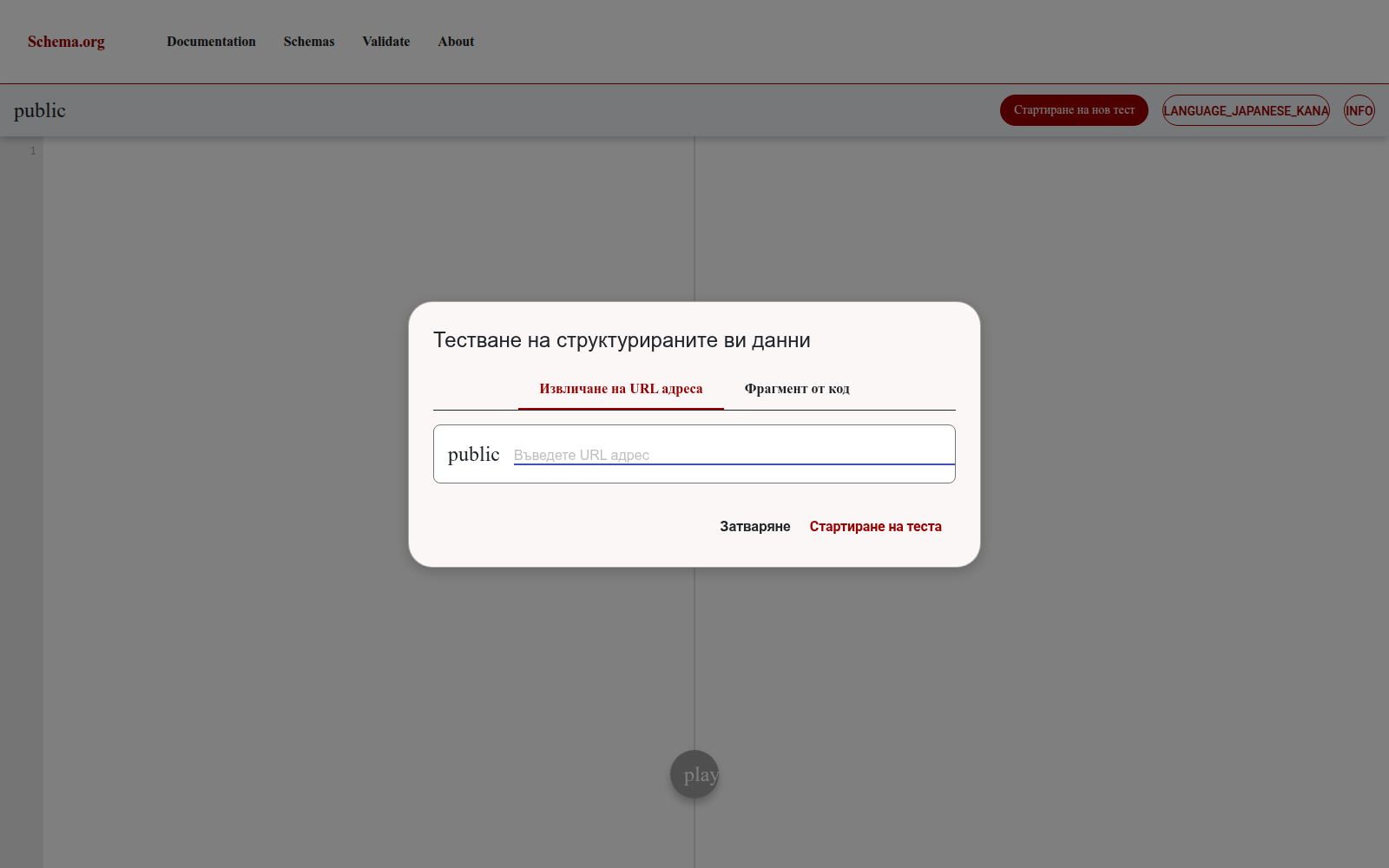
You can inspect a Product connected to an Offer, review information, price, availability, and related properties. A weak graph might place reviewRating directly on an Offer, while a stronger version connects review details to the Product or Review structure that expects them.
Strong graph: Your Product connects to an Offer for price and availability, plus a Review containing author, reviewRating, and reviewBody.
Where broad Schema.org coverage helps
You can use the validator to find invalid types, unsupported properties, broken nesting, and syntax problems across the complete graph. That makes it useful when your product markup includes information outside Google's supported enhancement patterns.
Why a valid graph may produce no Google enhancement
A valid Schema.org graph doesn't certify eligibility for a Google product rich result. You may pass validation while using a property combination Google doesn't support for that search feature, so the validator can't confirm display or eligibility.
What this tool is genuinely bad at
- Search eligibility: You won't learn whether Google accepts your exact product markup for a rich result.
- Display expectations: You won't receive a promise that price, reviews, or availability will appear in search.
What fails
- Google-specific diagnosis: You can't use this result alone to explain a missing product enhancement.
- Ranking decisions: You still need the Rich Results Test to judge Google's supported search features.
Why Product Debugging Needs Both Tests
You can see conflicting outcomes when one tool confirms a product enhancement while the other flags a graph problem. That's not a contradiction. You're viewing the same product page through two diagnostic lenses.
Use each result to choose your next fix, not to declare one tool the winner.
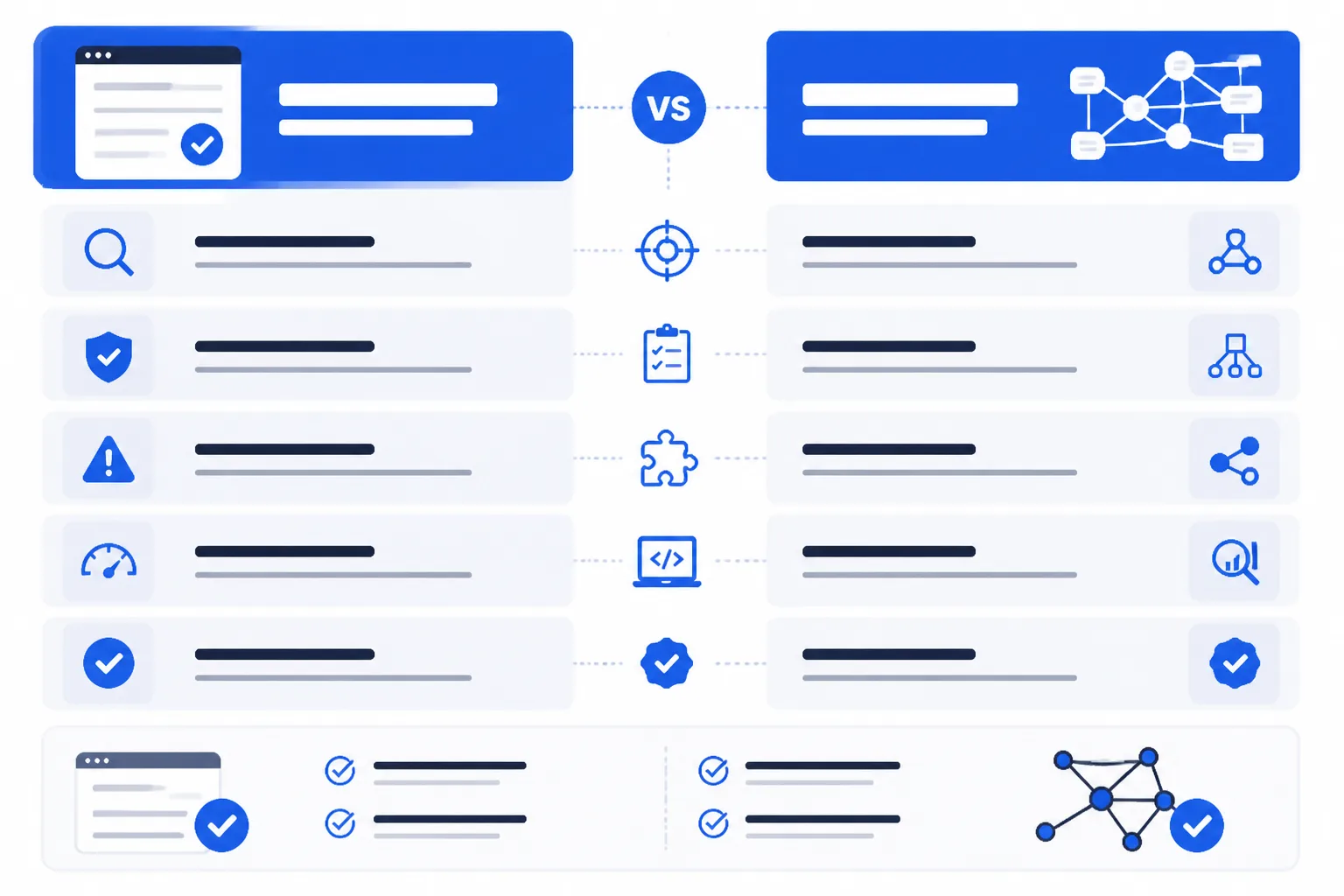
Comparison by diagnostic purpose
| criterion | Google Rich Results Test | Schema Markup Validator | edge |
|---|---|---|---|
| Search-feature eligibility | Checks whether supported product markup can qualify for Google rich results. | Does not certify eligibility for a Google product rich result. | Google Rich Results Test |
| Schema.org vocabulary coverage | Focuses on properties used for supported Google search enhancements rather than the entire vocabulary. | Inspects Schema.org types and properties across the broader graph. | Schema Markup Validator |
| Graph structure and nesting | Shows issues relevant to the tested Google feature but does not prove every broader relationship is valid. | Inspects syntax, nesting, and relationships in the Schema.org graph. | Schema Markup Validator |
| Product search diagnostics | Evaluates product information such as price, availability, and reviews for search enhancements. | Can validate the graph even when Google does not use it for a rich result. | Google Rich Results Test |
| Best next action | Investigate missing or ineligible Google search enhancements. | Inspect unclear types, properties, syntax, or nesting. | Depends on the failure |
What a pass in one tool cannot prove
A pass in Schema Markup Validator doesn't establish Google product rich-result eligibility. A Google pass doesn't prove that every relationship in your wider Schema.org graph is structurally sound.
The product debugging signal created by using both
Run both tests on the same product URL. If Google reports eligibility but the validator finds unclear nesting, inspect the broader graph before shipping. If the validator accepts your graph but Google rejects the enhancement, review supported product properties and search-feature requirements first.
Choose the Starting Tool That Matches the Failure
Your first tool should match the symptom you can see. If a product enhancement is missing from search, start with Google’s eligibility check. If the markup relationships look uncertain, inspect the underlying Schema.org graph first.
You don't need to choose one tool permanently. Start with the relevant check, then confirm the result with the other tool before changing shared product code.
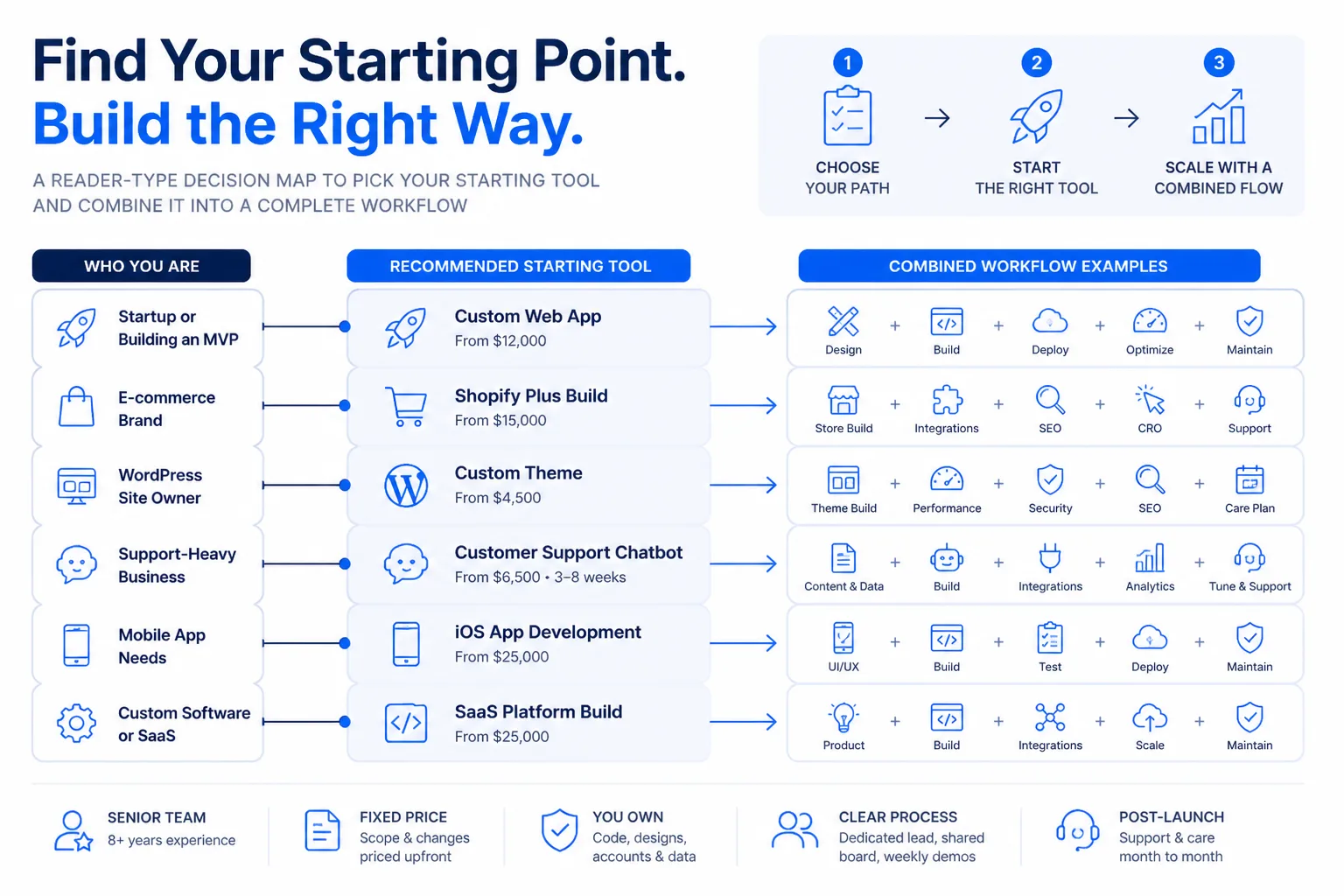
If you need a Google product rich result, start with Google’s test
Product SEO teams should begin with the Rich Results Test when the concern is a missing enhancement or an ineligible product result. It shows whether Google recognises the page for a supported search feature, giving you a direct starting signal.
If the entity graph looks wrong, start with Schema Markup Validator
Developers should start with Schema Markup Validator when they can't determine whether the product type, property, relationship, or nesting is implemented correctly. It helps you inspect the broader structure before blaming Google’s eligibility rules.
If you maintain a store, run both in sequence
Agencies and growing businesses should run both tools before editing a shared WordPress theme, Shopify template, or custom integration.
- Missing enhancement: Start with Google’s test.
- Unclear graph: Start with Schema Markup Validator.
- Planned template change: Run both before editing.
| situation | better move |
|---|---|
| A product search enhancement is missing or appears ineligible | Start with Google Rich Results Test to check supported Google search-feature eligibility. |
| The product graph, type, property, or nesting is unclear | Start with Schema Markup Validator to inspect the broader Schema.org structure. |
| A WordPress or Shopify template is about to be changed | Run Schema Markup Validator and Google Rich Results Test in sequence before editing the template. |
| A ShieldThemes client needs to separate implementation defects from Google limits | Use both tools, then escalate theme, Shopify, or custom implementation work if required. |
The better move for teams working with ShieldThemes
ShieldThemes can maintain this two-test workflow across WordPress and Shopify product data, while the official tools remain the authority. You get clearer evidence before a senior team changes templates, though tool results can't replace checking the live implementation.
Run the Product Markup Debugging Sequence Before Editing the Template
Your next move should produce evidence, not another template change. Choose one product page, define the Google feature you expect, and keep that page as your test case until the defect is fixed.
If search appearance is urgent, start with that product page in Google’s Rich Results Test. Then inspect the complete graph in Schema Markup Validator. Both checks are needed for a confident diagnosis.
- Page: You have one representative product URL ready.
- Feature: You have identified the intended product search enhancement.
- Evidence: You have saved results from both tools.
- Retest: You have a deployment check scheduled for the same URL.
-
Choose one representative product URL
Start small: Pick one live product page with the missing or unexpected search appearance. Record the intended Google feature before inspecting its markup.
-
Validate the complete graph in Schema Markup Validator
Inspect relationships: Run the page URL or copied code through Schema Markup Validator. Check the Product, Offer, Review, and other connected entities, including their properties and nesting.
-
Test Google eligibility and classify the result
Compare purposes: Run the same URL or code through Google’s Rich Results Test. Treat its result as the search eligibility signal, and classify Schema Markup Validator warnings as graph or vocabulary issues.
-
Fix, deploy, and retest the same product page
Correct the source: Fix the underlying product data or implementation, deploy it, and test the same URL again. ShieldThemes can handle theme changes, Shopify implementation work, or custom product-data fixes once your evidence identifies the defect.
If you want a faster way to debug product markup, ShieldThemes builds and maintains WordPress themes, Shopify stores, and custom implementations for startups and growing businesses. Its senior team can trace product-data defects and support ongoing maintenance. The technical SEO and development guidance supports the same workflow.